How to enable the intercom monitor and broadcasting?
These features must be operated via the CMSV Client Software.
Steps:
Log in to the CMSV client using an account with appropriate permissions (recommended: administrator or authorized supervisor account).
In the main interface, go to the bottom-right corner and click VOIP to open the control bar. Then select the desired function:
- Monitor: Starts real-time audio monitoring.
- Intercom: Initiates a two-way voice call.
- Broadcast: Sends voice broadcasts to one or more selected devices.
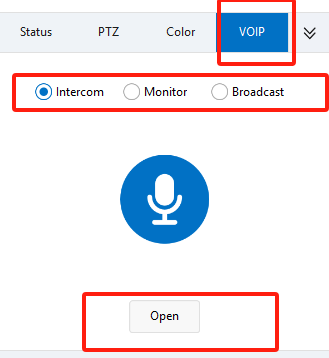
Click Open to bring up the device list.
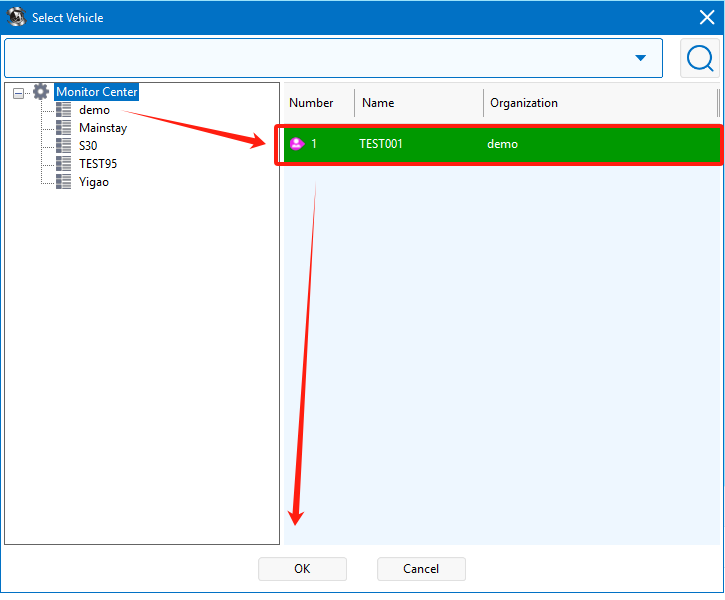
Select the target device(s) that are online, then click OK to initiate the selected function.
Ensure that your computer is connected to a microphone (required for talk and broadcast functions).